
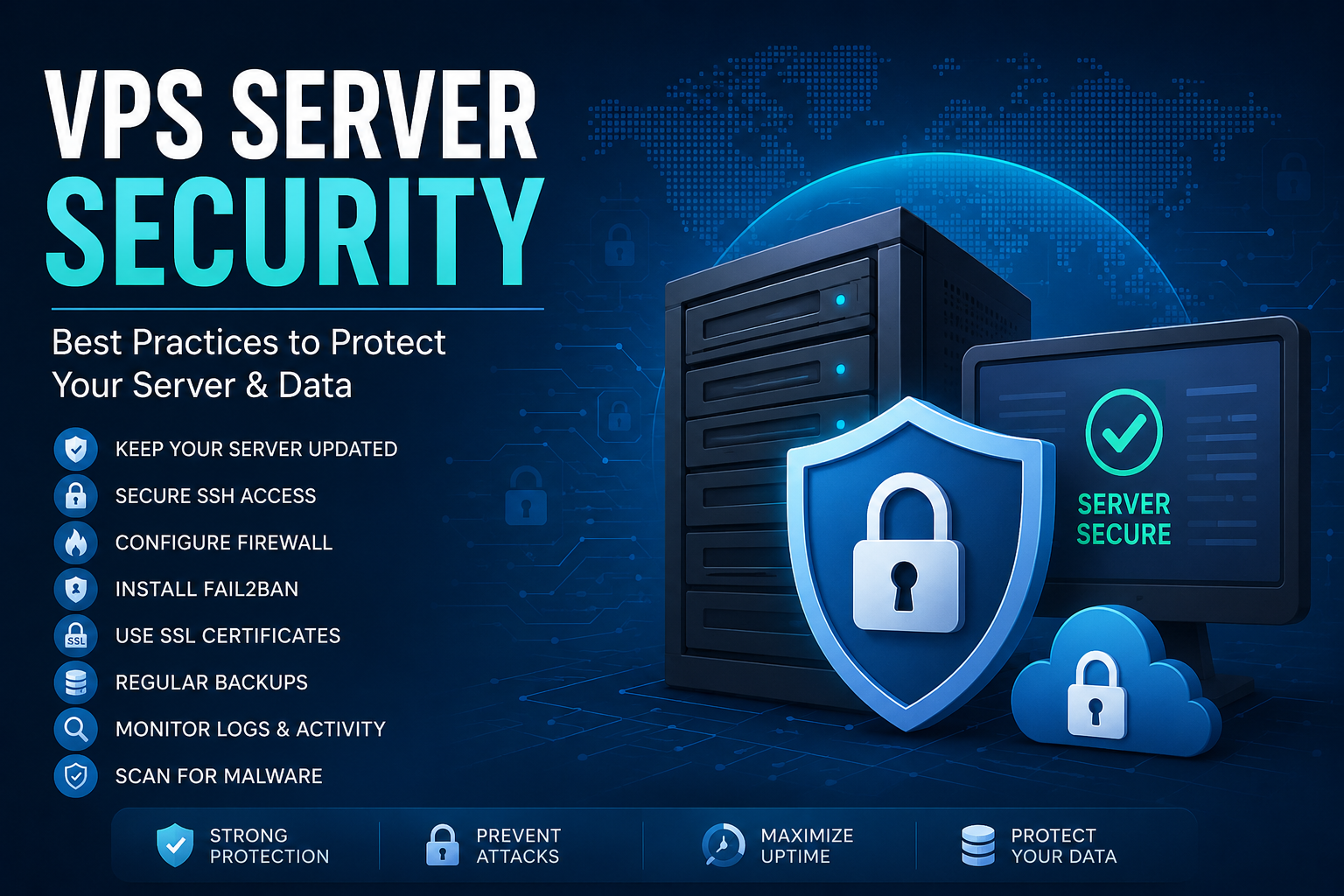
A Virtual Private Server (VPS) offers flexibility, dedicated resources, and complete control over your hosting environment. However, with greater control comes greater responsibility. Unlike shared hosting, securing a VPS is entirely your responsibility. A single misconfiguration or outdated software package can expose your server to cyberattacks, data breaches, or service downtime.
In this guide, we’ll cover the most important VPS security best practices that every server administrator should implement.
Why VPS Security Matters
Cybercriminals constantly scan the internet for vulnerable servers. An unsecured VPS can become a target for:
- Brute-force login attacks
- Malware infections
- Ransomware
- DDoS attacks
- Data theft
- Cryptojacking
- Website defacement
Proper security measures significantly reduce these risks.
1. Keep Your Server Updated
Always install the latest security patches.
For Ubuntu:
sudo apt update
sudo apt upgrade -y
For CentOS:
sudo yum update -y
Enable automatic security updates whenever possible.
2. Disable Root Login
Logging in directly as root is dangerous.
Instead:
- Create a normal user
- Grant sudo privileges
- Disable root SSH login
Edit:
/etc/ssh/sshd_config
Set:
PermitRootLogin no
Restart SSH:
sudo systemctl restart ssh
3. Change the Default SSH Port
Default SSH uses port 22.
Changing it helps reduce automated attacks.
Example:
Port 2222
Don’t forget to allow the new port in your firewall.
4. Use SSH Key Authentication
Passwords can be guessed.
SSH Keys are far more secure.
Generate keys:
ssh-keygen
Copy to server:
ssh-copy-id username@server-ip
Disable password authentication:
PasswordAuthentication no
5. Configure a Firewall
Only open required ports.
Example with UFW:
sudo ufw allow 80
sudo ufw allow 443
sudo ufw allow 2222
sudo ufw enable
Block everything else.
6. Install Fail2Ban
Fail2Ban blocks repeated failed login attempts automatically.
Install:
sudo apt install fail2ban
Enable:
sudo systemctl enable fail2ban
Start:
sudo systemctl start fail2ban
7. Enable Automatic Backups
Even the most secure server can fail.
Always maintain:
- Daily backups
- Weekly backups
- Monthly backups
Store backups offsite using cloud storage.
8. Use HTTPS Everywhere
Install an SSL certificate.
Free SSL certificates are available through Let’s Encrypt.
Benefits:
- Encrypts user data
- Improves SEO
- Builds trust
- Prevents man-in-the-middle attacks
9. Remove Unnecessary Software
Unused software increases the attack surface.
Remove:
- Unused databases
- Test applications
- Development packages
- Old PHP versions
Install only what you need.
10. Secure Database Access
Never expose MySQL directly to the internet.
Best practices:
- Bind MySQL to localhost
- Use strong passwords
- Create separate database users
- Grant minimum privileges
11. Monitor Server Logs
Check logs regularly.
Useful log locations:
/var/log/auth.log
/var/log/syslog
/var/log/nginx/access.log
/var/log/apache2/access.log
Look for unusual login attempts or suspicious activity.
12. Enable Two-Factor Authentication (2FA)
Add an extra layer of protection.
You can enable 2FA for:
- SSH
- Control panel
- Hosting dashboard
- Cloud provider account
13. Scan for Malware
Install malware scanners.
Popular options:
- ClamAV
- Linux Malware Detect (LMD)
- Maldet
Schedule regular scans using cron jobs.
14. Limit User Permissions
Follow the Principle of Least Privilege.
Only grant users the permissions they absolutely need.
Avoid giving sudo access unnecessarily.
15. Monitor Server Resources
Unexpected CPU or memory spikes may indicate:
- Malware
- Cryptominers
- DDoS attacks
- Runaway processes
Useful commands:
tophtopdf -hfree -mBonus Security Tips
- Use strong passwords
- Enable DNSSEC
- Disable unused services
- Hide server version information
- Rotate SSH keys periodically
- Use a Web Application Firewall (WAF)
- Enable intrusion detection systems
- Restrict file permissions
- Disable directory listing
- Regularly audit user accounts
Common VPS Security Mistakes
Avoid these common errors:
- Using weak passwords
- Ignoring updates
- Exposing databases publicly
- Leaving root login enabled
- No backups
- No firewall
- Running outdated PHP versions
- Installing pirated software
VPS Security Checklist
✅ Keep software updated
✅ Disable root login
✅ Change SSH port
✅ Use SSH keys
✅ Enable firewall
✅ Install Fail2Ban
✅ Configure automatic backups
✅ Install SSL certificate
✅ Monitor logs
✅ Scan for malware
✅ Enable 2FA
✅ Restrict user permissions
Conclusion
A VPS gives you complete control over your hosting environment, but security must always be a top priority. By implementing these best practices—such as keeping software updated, using SSH keys, enabling firewalls, monitoring logs, and maintaining reliable backups—you can significantly reduce the risk of cyberattacks and keep your applications running safely.
Server security is not a one-time task. Regular updates, monitoring, and proactive maintenance are essential to ensure your VPS remains protected against evolving threats.
Get a powerful KVM-based server
VPS hosting is great for developers and high-traffic sites when total control is needed. Enjoy free weekly backups and n8n templates too.