
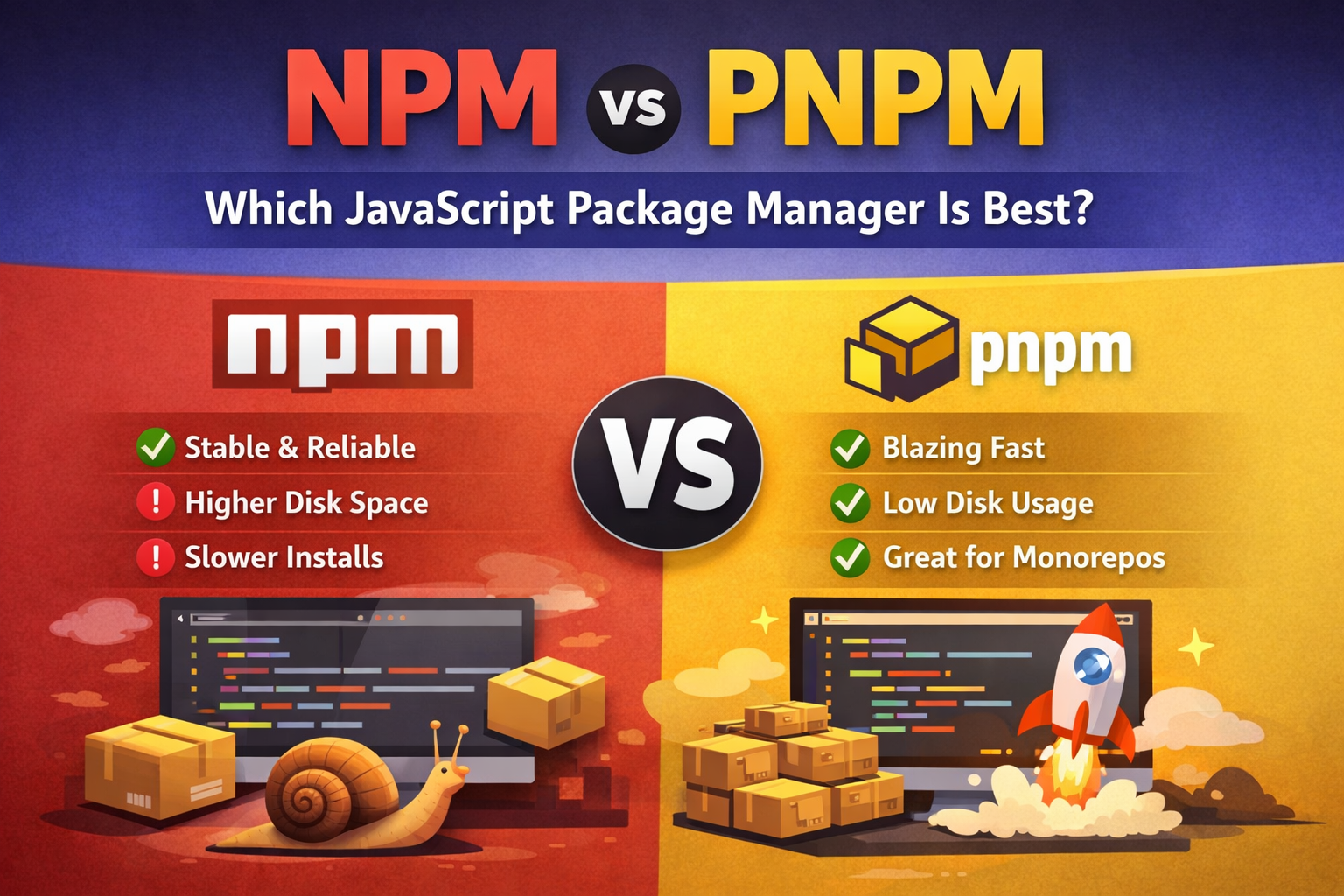
When working with JavaScript projects (React, Next.js, Node.js, Vue, etc.), choosing the right package manager matters. The two most popular options today are npm and pnpm. Let’s compare them simply.
🔹 What is npm?
npm (Node Package Manager) is the default package manager that comes with Node.js. It’s the most widely used tool for installing, updating, and managing JavaScript packages.
✅ Benefits of npm:
- Comes pre-installed with Node.js
- Huge community support
- Very stable and well-documented
- Works everywhere without extra setup
❌ Limitations:
- Uses more disk space
- Slower installs for large projects
- Creates duplicate packages across projects
🔹 What is pnpm?
pnpm (Performant npm) is a modern, fast, and disk-efficient alternative to npm.
✅ Benefits of pnpm:
- Much faster installs
- Saves disk space using a global store
- Strict dependency management (fewer hidden bugs)
- Excellent for monorepos and large projects
❌ Limitations:
- Not pre-installed (needs one-time setup)
- Some older tools may need small configuration tweaks
⚡ npm vs pnpm – Quick Comparison
| Feature | npm | pnpm |
|---|---|---|
| Speed | Moderate | 🚀 Very fast |
| Disk usage | High | ✅ Very low |
| Stability | Very stable | Very stable |
| Monorepo support | Good | ⭐ Excellent |
| Default with Node.js | Yes | No |
🏆 Which is Best?
- Choose npm if you want simplicity, default support, and maximum compatibility.
- Choose pnpm if you want speed, less disk usage, and better performance, especially for large projects and monorepos.